


Description
Product Description
A virtual machine (VM) is a software-based simulation of a computer system, allowing you to install and operate a separate operating system or application environment as if it were running on its own physical machine. Think of it as running a “computer within your computer.”
Setting up a virtual machine is straightforward. You simply install a virtualization program—such as VMware—on your PC. Inside this environment, you can create a virtual hard drive and install a complete OS, along with any software you need.
Virtual machines are highly practical for professionals, students, and engineers alike. They enable users to run different operating systems in a self-contained window while still using their main desktop—ideal for testing, development, or using specialized tools.
Since a VM runs alongside your main operating system, it’s essential that your PC meets the necessary hardware requirements to ensure smooth and stable performance.
 What’s Inside the Package?
Operating System:
- Windows 10 Pro (Activated)
Virtual Machine Platform:
- VMware Workstation Pro V17
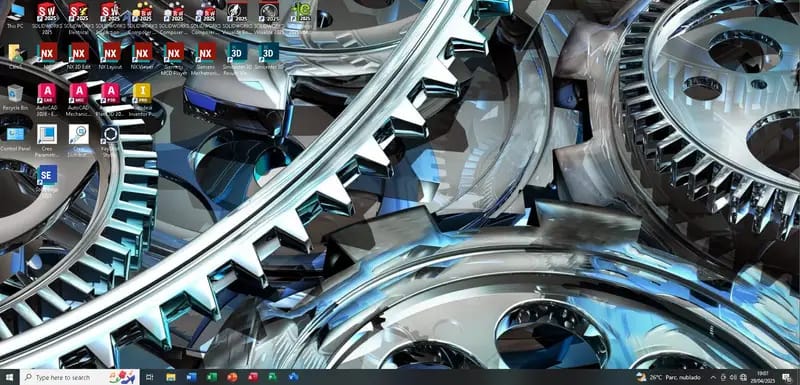
 Pre-installed Engineering & Design Software
This virtual machine comes fully loaded with powerful engineering, CAD, CAM, and productivity tools, ready to use:
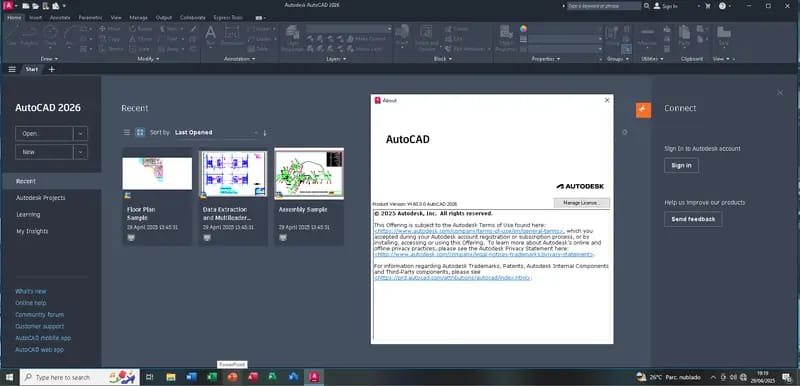
- AutoCAD 2026
- AutoCAD Mechanical 2026
- AutoCAD Plant 3D 2026
- Autodesk Inventor Professional 2026
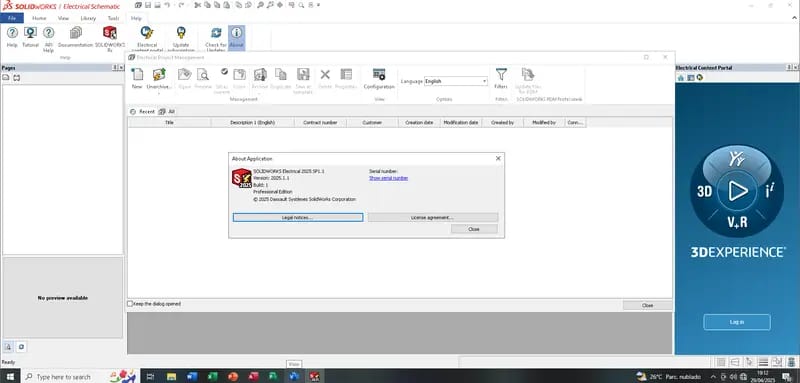
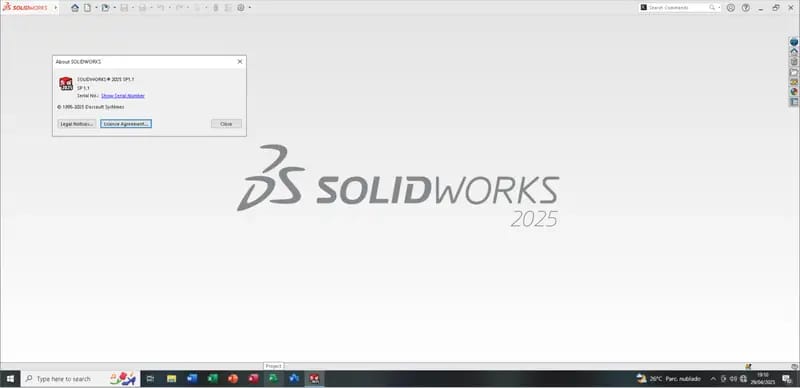
- SOLIDWORKS 2025 SP1 Premium Suite, including:
- Composer
- Composer Player
- Composer Sync
- Electrical
- Inspection
- PCB
- Visualize
- Visualize Boost
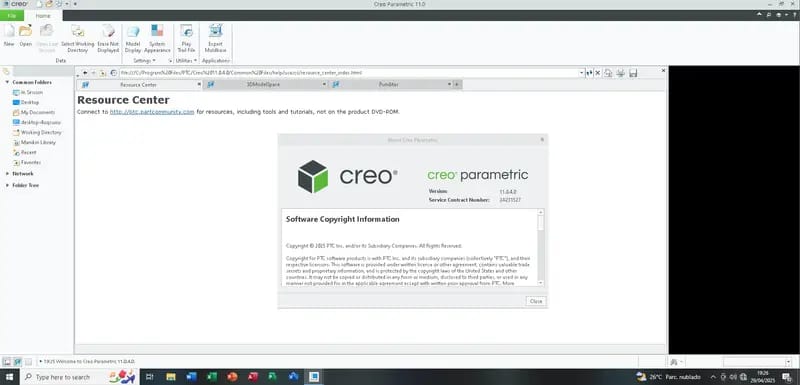
- PTC Creo Parametric 11.0.4.0
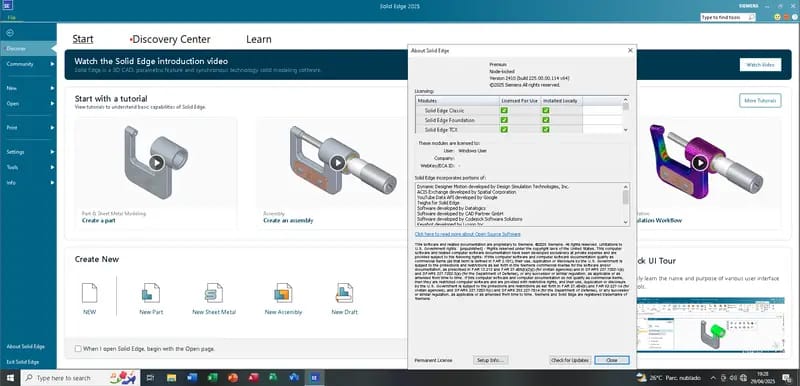
- Siemens Solid Edge 2025 Premium
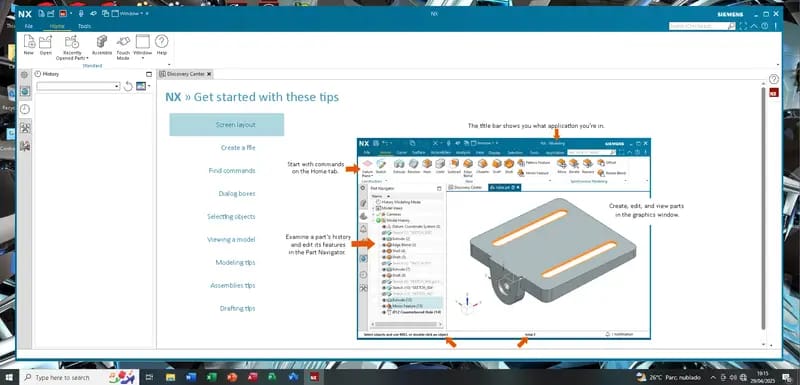
- Siemens NX 2412 Suite, including:
- NX Layout
- NX Viewer
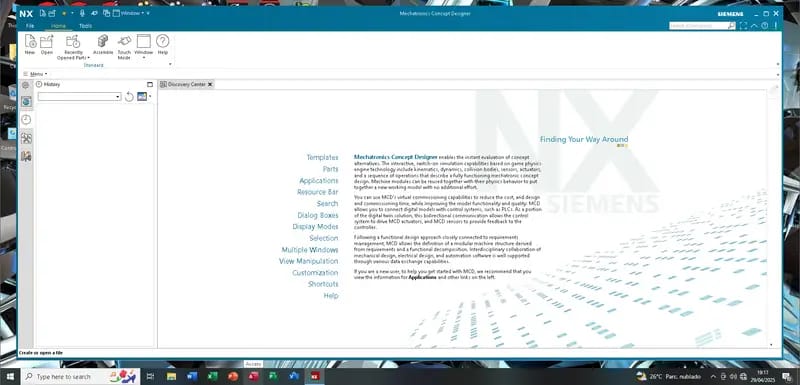
- Mechatronics Concept Designer
- NX Machining Knowledge Editor
- Microsoft Office Professional Plus 2024 (Includes Project and Visio)
 System Requirements
Minimum Configuration (Basic Performance):
- OS: Windows 7, 8, or 10 (64-bit)
- CPU: Dual-Core, 2.0 GHz
- RAM: 8 GB (4 GB allocated to VM, 4 GB for the host OS)
- Storage: 250 GB of free hard drive space
Recommended Configuration (Optimal Performance):
- OS: Windows 7, 8, or 10 (64-bit)
- CPU: Quad-Core, 2.5 GHz
- RAM: 16 GB (10 GB for VM, 6 GB for host OS)
- Storage: 250 GB of free SSD space
 Additional Information
- Download Size: 80 GB (compressed files)
- Extracted Size: Approx. 135 GB
- VMware Installer: Included in the package
- Default VM Settings: 4 GB RAM / 4 CPU cores (adjustable based on your system)
- Software Status: All applications are full versions with no time limits or usage restrictions
- Tutorial: Complete guide included for installation and activation
 Contact Us to Purchase the Product
Ready to get started or have questions before you buy? We’re here to help!
Reach out to us anytime for pricing, installation assistance, or any other inquiries related to this virtual machine package.
📱 WhatsApp: +8618157347669
🌐 Live Chat: Whatsapp & Facebook
🕘 Support Hours: Monday to Saturday | 9 AM – 6 PM (GMT+6)


Reviews
There are no reviews yet.