

Mitsubishi Automation Software Package
Get fast digital delivery right to your inbox with every purchase. Enjoy easy installation with step by step guidance. Our dedicated support team is here to help even after your purchase.
Product Description
A Virtual Machine (VM) is a software-based environment that simulates a physical computer. It allows users to install and run an entire operating system within their existing system—essentially acting as a “computer inside a computer.”
Setting up a VM is simple: install a program like VMware, create a virtual hard disk, and run the OS and all necessary software within it. This is an ideal solution for engineers, developers, and technicians who need a separate environment to run specialized industrial applications without affecting their main PC.
Virtual machines are especially useful for automation and PLC programming because they allow you to test, configure, and work with a complete software suite safely and efficiently—all from one window.
⚠️ Since both your system and the virtual machine will run simultaneously, your PC should meet the recommended hardware requirements for smooth performance.
📦 Included in This Package
🖥️ Operating System:
- Windows 10 Pro – Fully Activated
🧠 Virtualization Platform:
- VMware Workstation Pro – Included and ready to use
🛠️ Pre-installed Software:
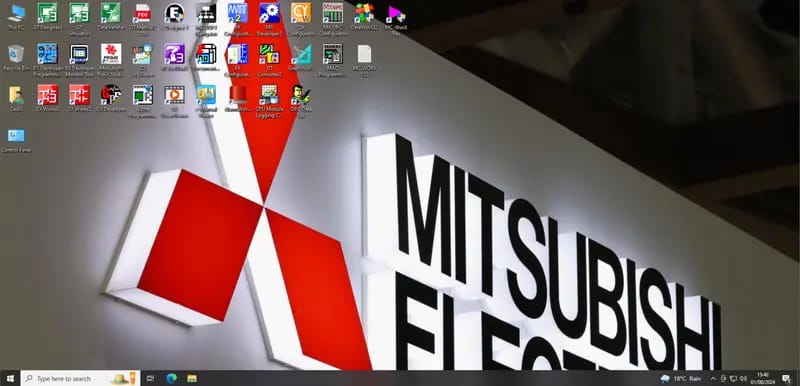
Mitsubishi Electric Automation Suite:
- Alpha Software v2.7
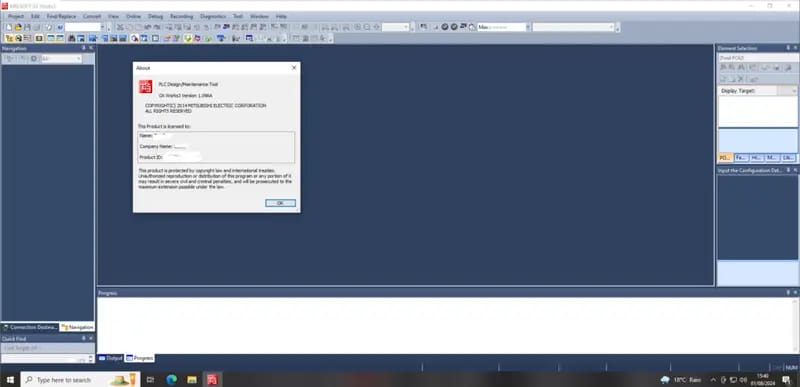
- GX Works3 v1.096A
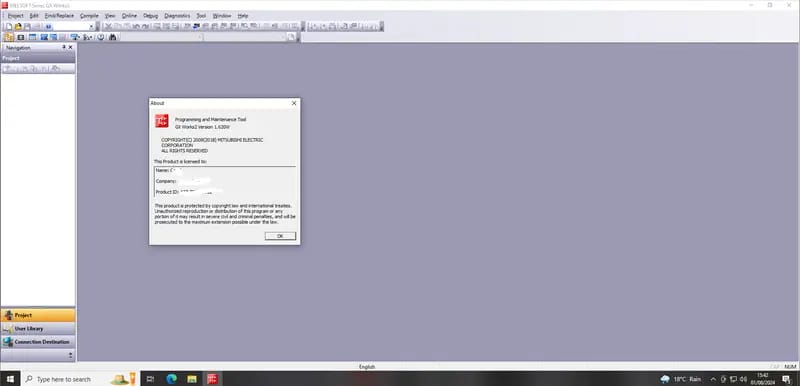
- GX Works2 v1.620W
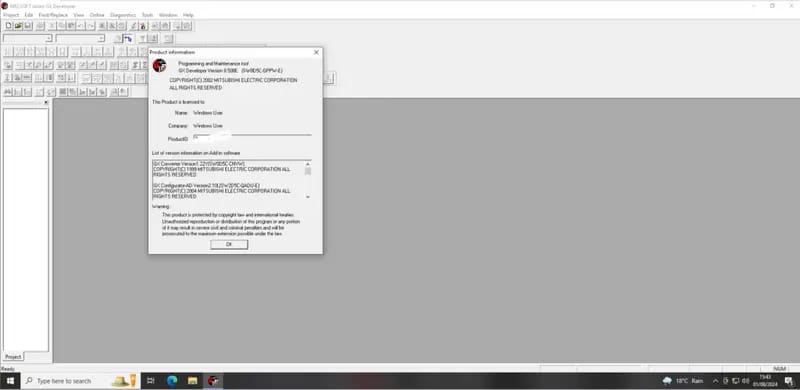
- GX Developer v8.508E
- GX Simulator v7
- GX Converter
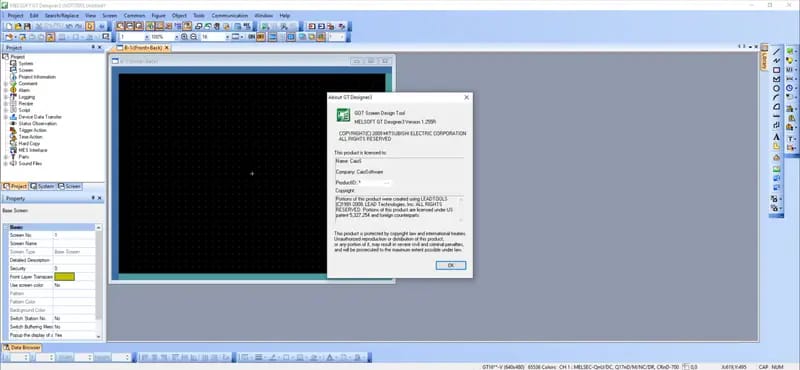
- GT Works3 / Designer3 GOT2000/1000 v1.255R
- FX Configurator-EN v1.30
- MT Developer/Works2 v1.165X
- CW Configurator v1.011M
- MELSOFT Navigator v2.78G
- Document Converter v2.14Q
- GT Converter2 v3.27D
- Data Transfer Tool v3.45X
- RT Toolbox3 v1.82L
- FR Configurator2 v1.24A
- MAC Programmer 5
- E-Designer v7.52
- MX OPC Configurator v6.10
- MX ProjxStudio v2.2
- MC WorX v9.2
All software is fully installed, licensed, and ready to use, with no time or feature limitations.
⚙️ System Requirements
✅ Minimum Requirements:
- OS: Windows 7 / 8 / 10 (64-bit)
- CPU: 2.0 GHz Dual-Core
- RAM: 8 GB (4 GB for VMware + 4 GB for your OS)
- Storage: 150 GB free space (HDD)
⭐ Recommended Requirements (for best performance):
- OS: Windows 7 / 8 / 10 (64-bit)
- CPU: 2.5 GHz Quad-Core or better
- RAM: 16 GB (10 GB for VMware + 6 GB for your OS)
- Storage: 150 GB free space (preferably SSD)
📥 Download & Setup Details
- Download Size: 65 GB (compressed)
- Extracted Size: 100 GB
- VMware Installer: Included
- Pre-configured Settings: 4 GB RAM / 4 CPU cores (can be adjusted)
- Installation Guide: Step-by-step tutorial included
✅ Everything is ready out of the box—simply download, extract, and follow the tutorial to get started.
📞 Contact Us to Purchase the Product
Ready to get started or have questions before you buy? We’re here to help!
Reach out to us anytime for pricing, installation assistance, or any other inquiries related to this virtual machine package.
📱 WhatsApp: +8619903793195
🌐 Live Chat: Whatsapp & Facebook
🕘 Support Hours: Monday to Saturday | 9 AM – 6 PM (GMT+6)


Product Downloaded
Served Countries
Happy Clients Worldwide
Average Delivery Time (In Hours)
Contact To Get The Product!
Please fill up the following form and submit. Our representative will contact you in shortly with the details information.